All your places, on one map
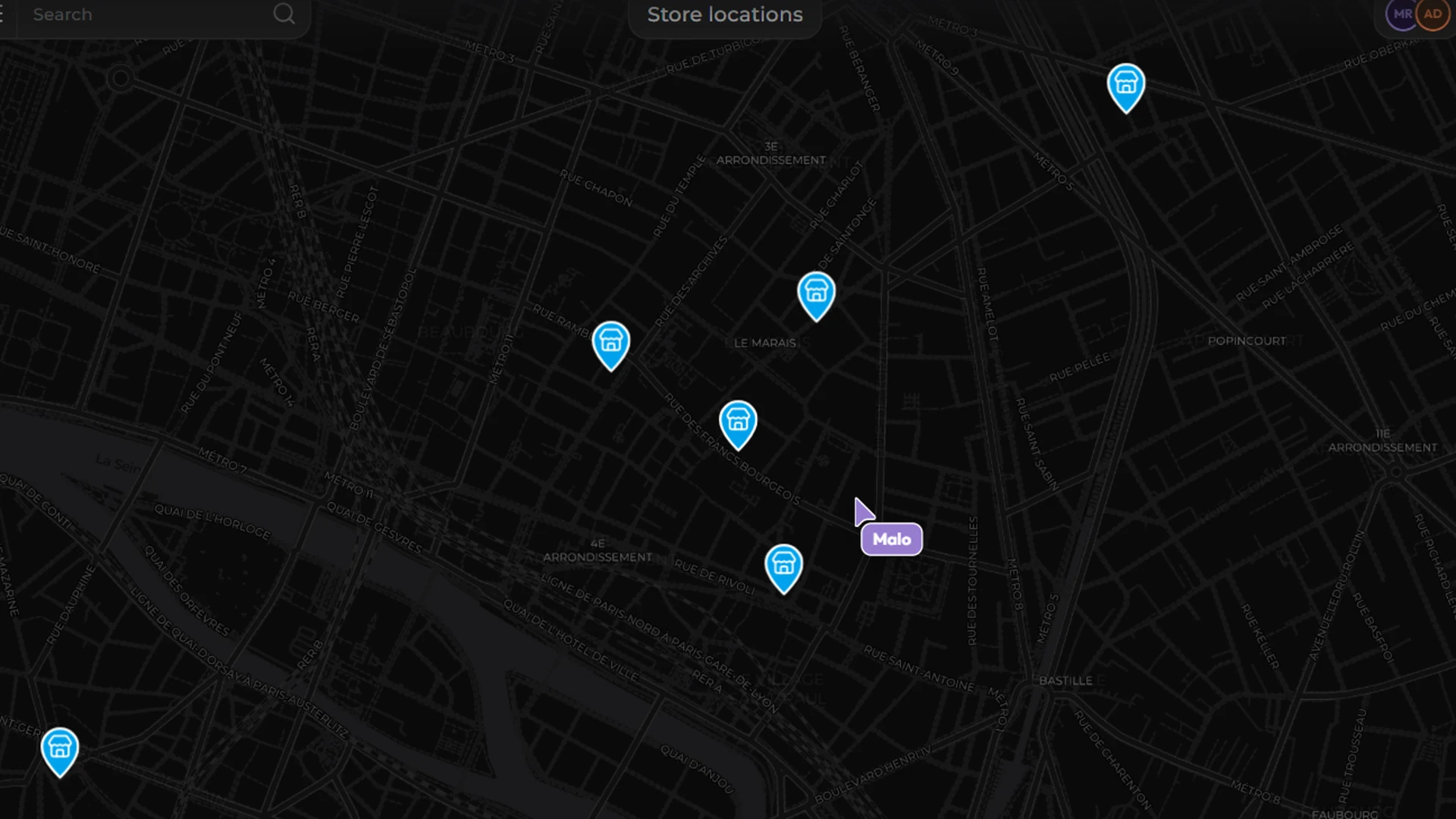
Place thousands of points from your sources. Clustering keeps the map readable at every zoom level.
Turn any dataset into an interactive map: markers, trips and cards, in your colours and shared in a click.
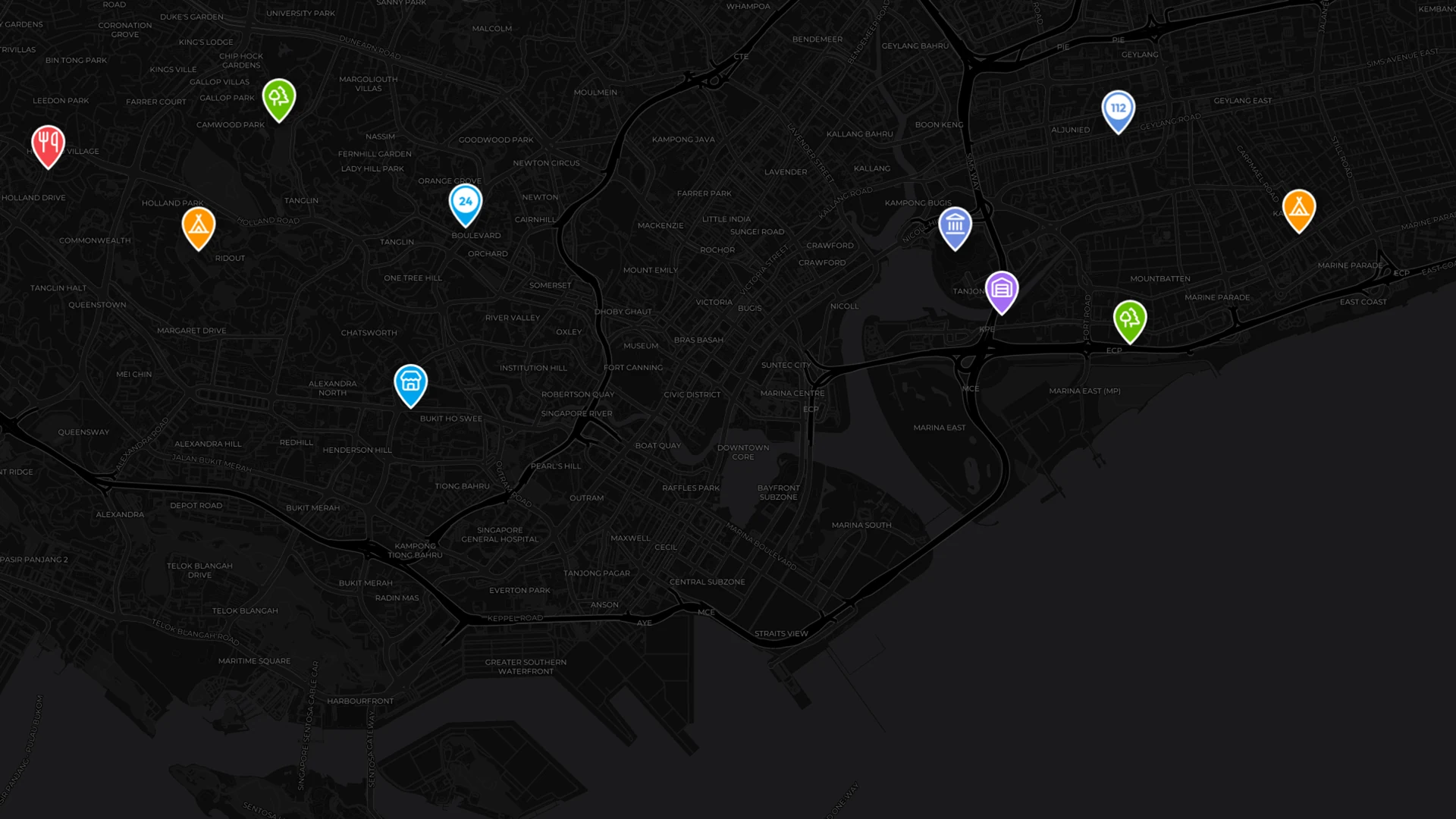
Place thousands of points from your sources. Clustering keeps the map readable at every zoom level.
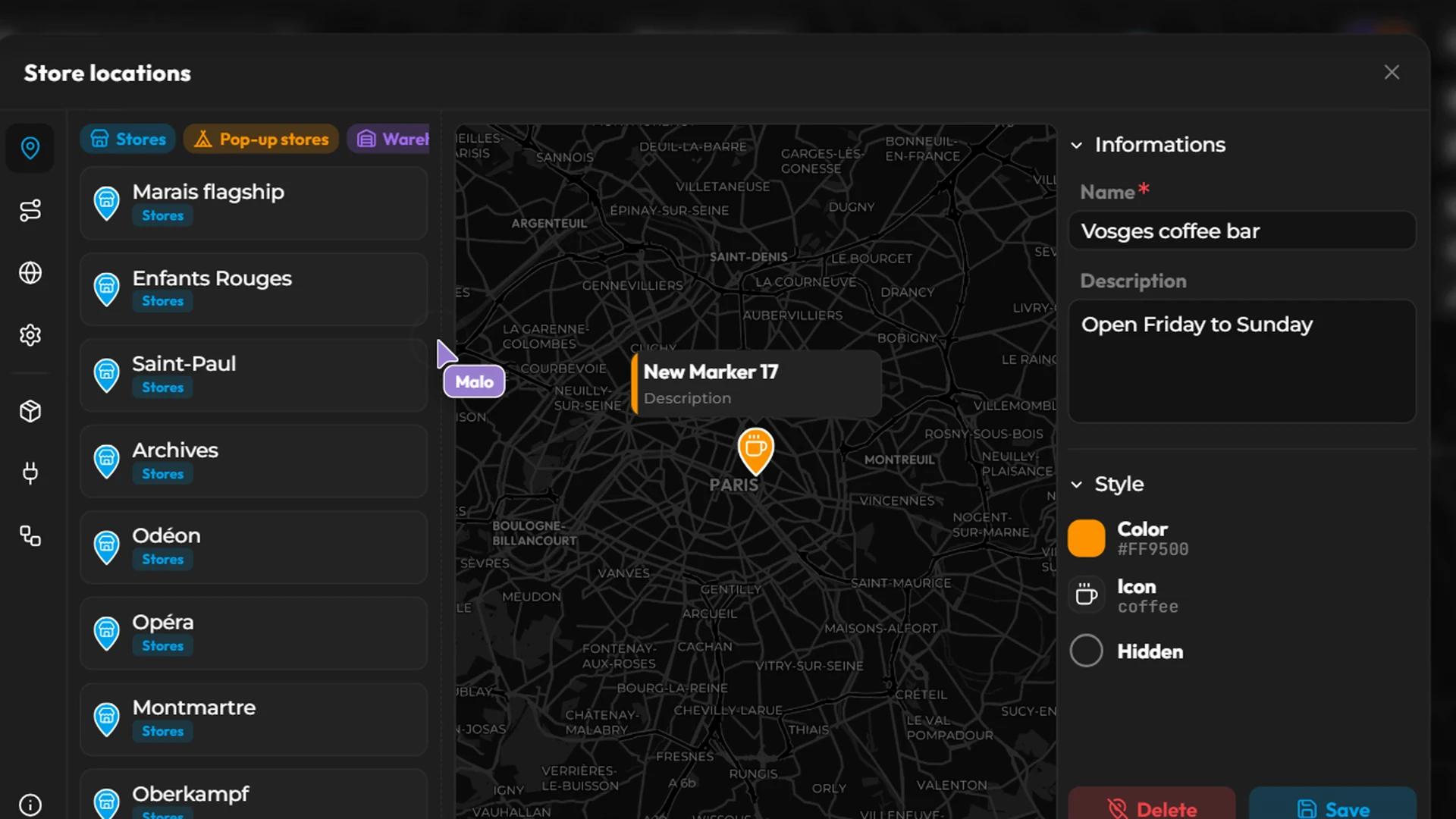
Name, description, colour and icon: each marker is set in a few clicks, and its card appears right on the map.
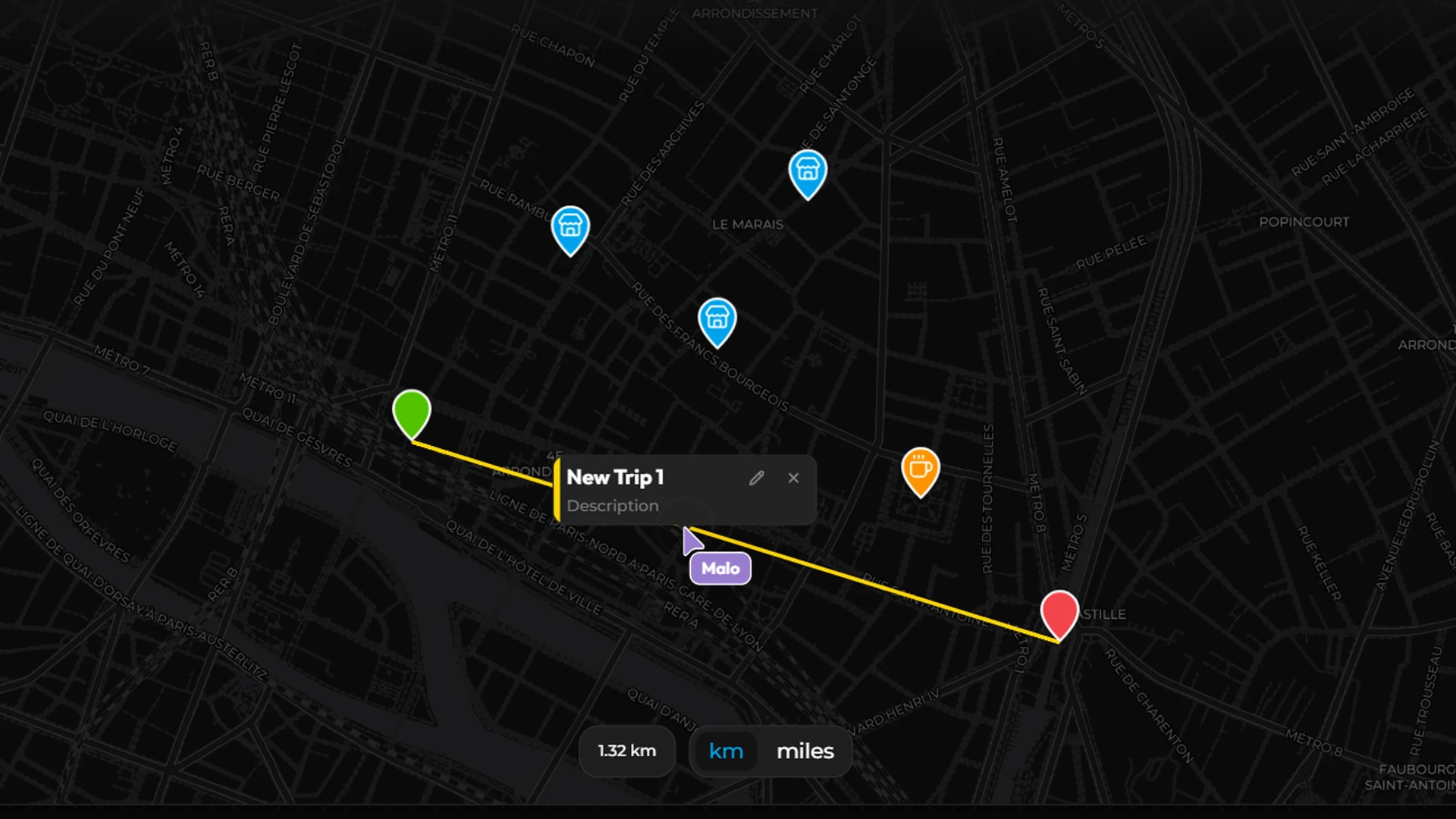
Join your stops in a straight line or as a flight, with the distance shown in kilometres or miles.
Available on every plan, from Free to Enterprise.
Dark, light or streets, flat or as a globe. Satellite is coming soon, from the Pro plan.
Thousands of markers stay readable at every zoom level.
Straight lines or flights between your stops, distance included.
A colour, an icon and a card for each marker.
JSON in and out, with column mapping.
See your team move on the map in real time.
No code, no deployment pipeline.
Point the map at a connector or import a JSON file, then map latitude, longitude and labels.
Pick a base map and a theme, set marker colours and the card shown on click.
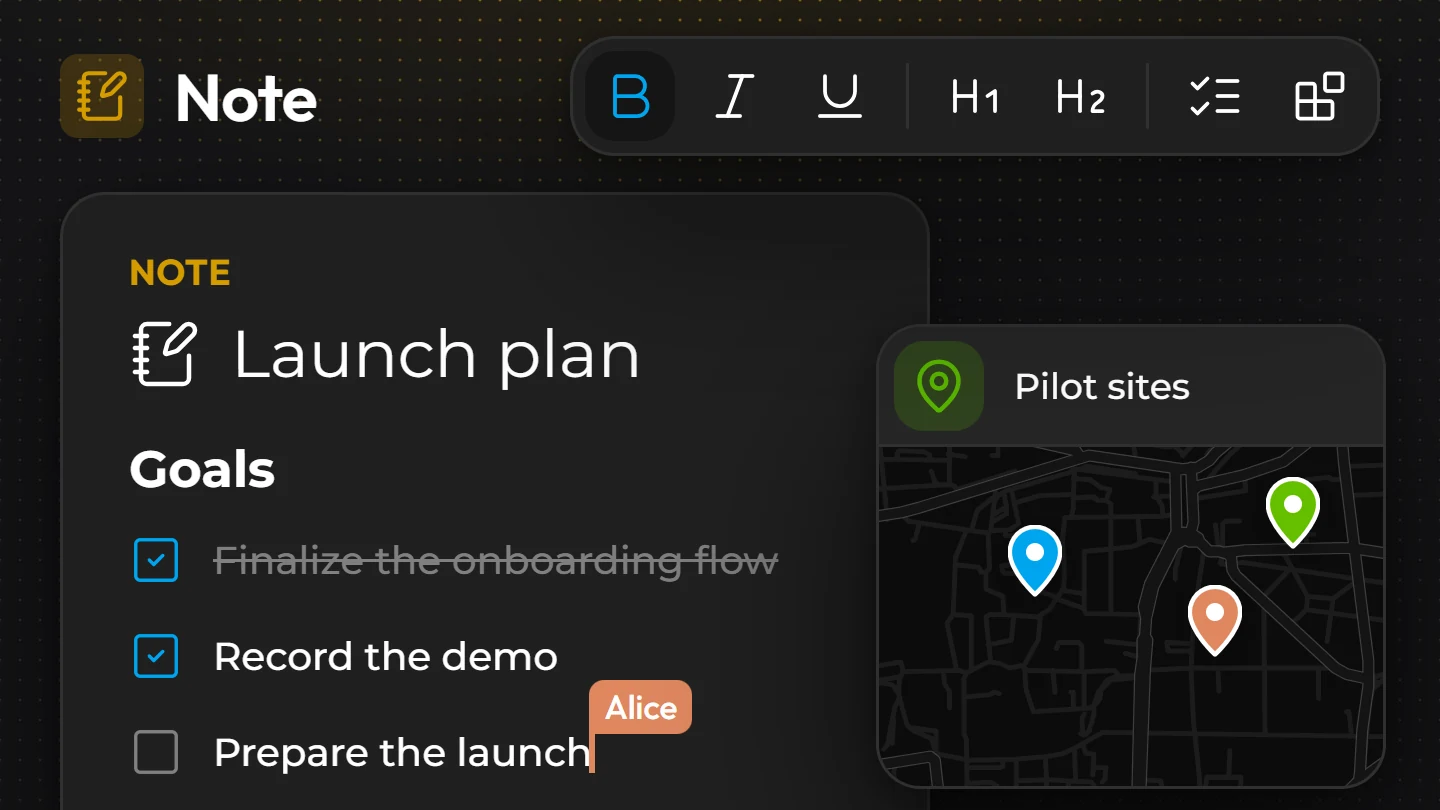
Publish it as a widget, or place it in a site, an app or a note.
Store locators, delivery rounds, field interventions, travel itineraries, real-estate listings.
Every component works with the others: same data, same workspace, one publication flow.